

Remark Office OMR Software

Remark Office OMR Software

Data collection and analysis software for surveys, tests and other plain paper OMR forms. Create your own forms and scan them with an image scanner or copier.

The World’s Most Popular OMR Software!

Serving over 100,000 customers across a variety of industries since 1991, our Remark Office OMR software has been used to scan and process billions of forms. Remark gives you the tools you need to get your results quickly. Through years of customer feedback, we’ve carefully designed our products to be user-friendly while providing a rich feature set to satisfy the specific needs of individuals like you.

Click an Icon Below to Learn More About Remark Office OMR

Product Feature

Analysis Report

Test Grading Report

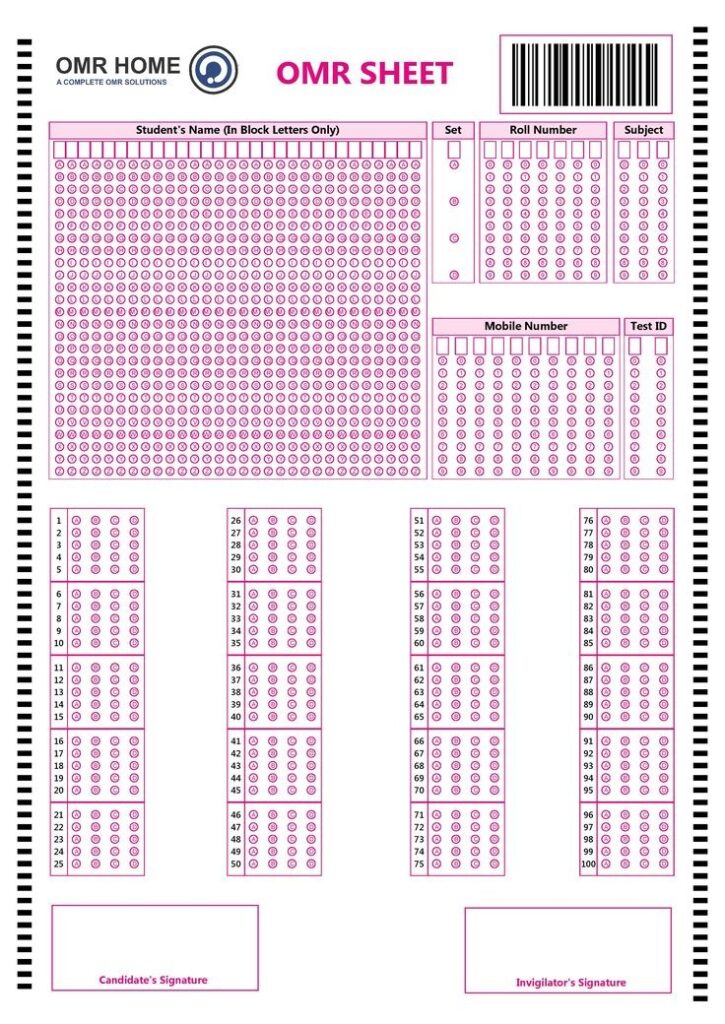
Sample Form

Remarks Customer

Why Remark

World’s most popular OMR software

Benefits

Advanced recognition of data from your OMR forms

Remark users across industries
Discover Remark Users Everywhere

Remark Users are Everywhere!

Remark Office OMR users are found in nearly every industry! Whether you are a school, university, corporation, healthcare institution, non-profit organization, government agency or other business large or small, chances are that there are people just like you using Remark Office OMR to solve their data collection needs!

"

A large public university uses Remark Office OMR to scan and report on thousands of teacher evaluations each semester

"

Pennsylvania non-profit conducts underage drug/alcohol driving pre-post tests

"

A large construction company conducts millions of behavioral based safety observations each year

"

A teaching hospital uses Remark Office OMR to collect quality improvement and clinical outcomes data

"

A for-profit tutoring company uses Remark Office OMR to process SAT diagnostic tests

"

State department of transportation records police stop data.

"

A state’s department of corrections administers drug screenings for inmates

"

One of the country’s most influential teachers’ union uses Remark Office OMR to process ballots for board elections

"

A medical and scientific management company processes oncology physician evaluation forms

"

State’s Parks and Recreation Department surveys community members on grant spending

"

A large Australian university administers surveys to new parents

"

The attendance office at a Texas district use Remark Office OMR for collecting student attendance sheets

"

A Canadian public health department gives flu shot consent forms

"

A large international organization conducts conference evaluations

"

Child development researchers at a large university use Remark Office OMR to conduct surveys on children’s school readiness

"

A Community College System uses Remark Office OMR to process surveys of continuing education students

"

A Canadian public research university uses Remark to process scoresheets for medical school admissions interviews

"

An international aeronautical college uses Remark Office OMR to processes airline transport pilot license tests

"

A large nursing school uses Remark Office OMR to grade nursing certification exams

Frequently Asked Questions

Printer Image
What is Remark Office OMR?
Remark Office OMR is the world’s most popular software for converting your paper OMR (fill-in-the-bubble) forms into usable data that can be analyzed or exported to other analysis products. It is widely used for processing exams and tests, surveys, evaluations, assessments, ballots, safety forms, and many other types of OMR form types limited only by your imagination.
What equipment do I need to use Remark Office OMR?
Remark Office OMR is a Windows application that supports TWAIN compatible scanners. Most scanners that are directly connected to your PC will come with a TWAIN driver. If you have a network copier/scanner or some other non-TWAIN scanner, Remark Office OMR can read PDF, TIFF or JPG image files produced by these devices.
How do I make my forms for use with Remark Office OMR?
Remark Office OMR works with forms you create with any word processor or page design software. These forms are printed on any laser printer or copier on normal copy paper. No special paper or pencils are needed. Remark Office OMR is trained to read your forms as opposed to you having to use expensive forms from a specific vendor.
What types of data does Remark Office OMR provide?
Remark Office OMR includes Remark Quick Stats, which provides powerful reports on the data collected from tests, surveys, and ballots. All data collected can be exported to many different formats including Excel, Access, SPSS, CSV, SQL, and many others. You can even create your own custom text based format to match formats created by legacy or home grown systems.
How much does Remark Office OMR cost?
Remark Office OMR is sold around the world by our high quality dealer network. The Remark Team sells directly to customers in certain countries, including the US and Canada. You can find pricing or your local dealer by clicking here.


Get Started Today

Have a question? Fill out the information and someone will contact you soon.